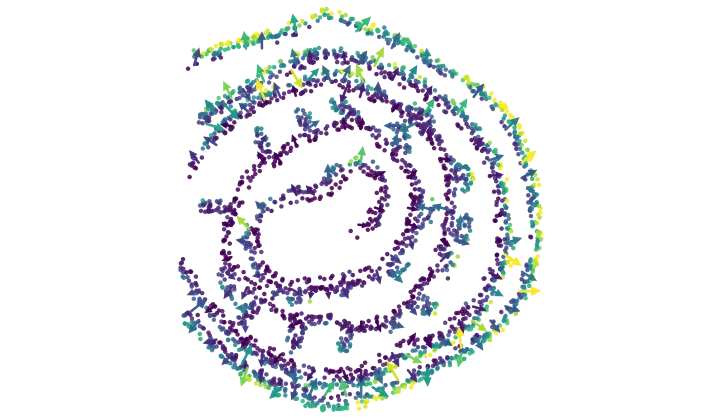
Vector Field
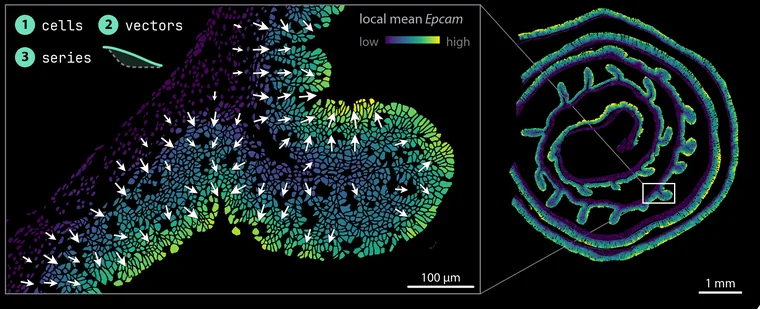
Which way a quantity increases across the tissue, as arrows over the section. Gene, cell type or any annotation column — with every arrow that could be noise removed.
Verified: passed 9 of 9 gates
v1.0.0
4 downloads

PointillViz · Community Tools
Spatial-analysis tools for PointillViz: each is one Python file and a manifest, published as a .pvtool bundle, and installing one adds a launcher to the Tools tab.
Tools run in your own PointillViz viewer, never on this website.
In the Tools tab, open Community Tools, then Browse Store. Read the tool’s code and press Install. A .pvtool file installs with Install from file.
Connect the store to your viewer, then press Install on a tool’s page.
Either way, the viewer runs the nine gates again before it installs.
Which way a quantity increases across the tissue, as arrows over the section. Gene, cell type or any annotation column — with every arrow that could be noise removed.
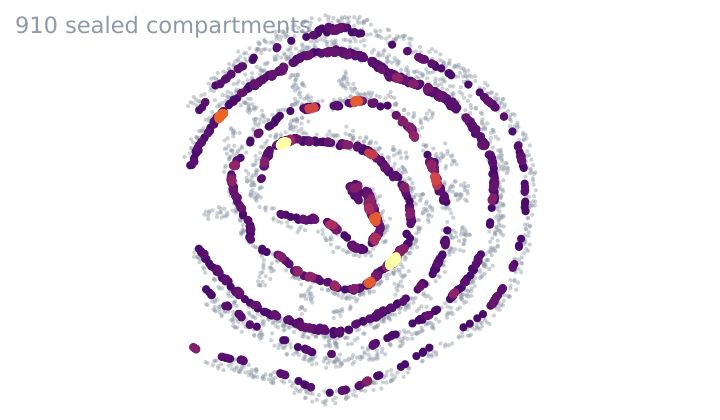
Which cells one cell type seals off from the rest of the tissue.
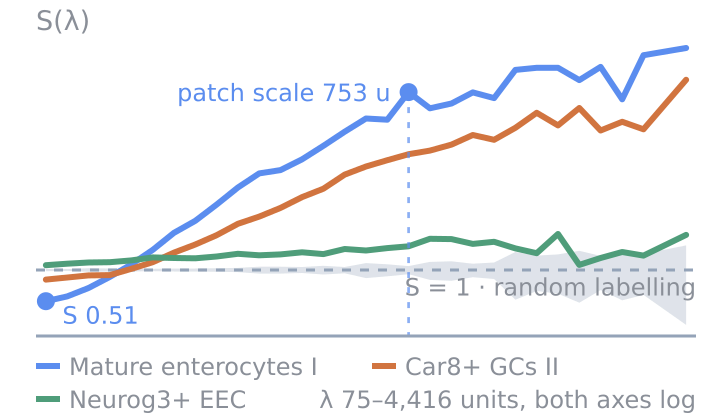
How clustered each cell type is, at every length scale.
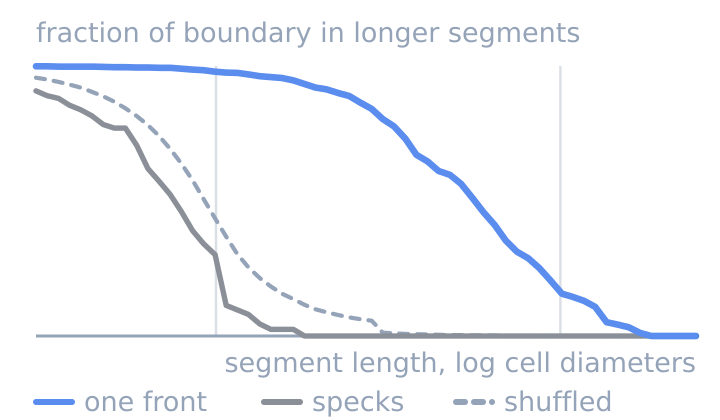
Whether two cell types meet along one front or in specks.
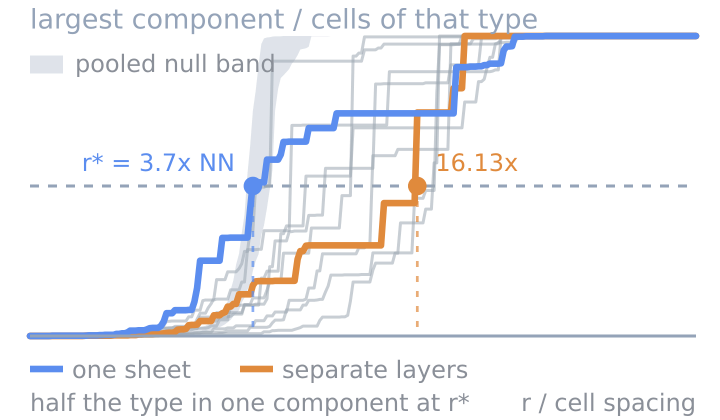
Whether a cell type is one connected mass or many islands.
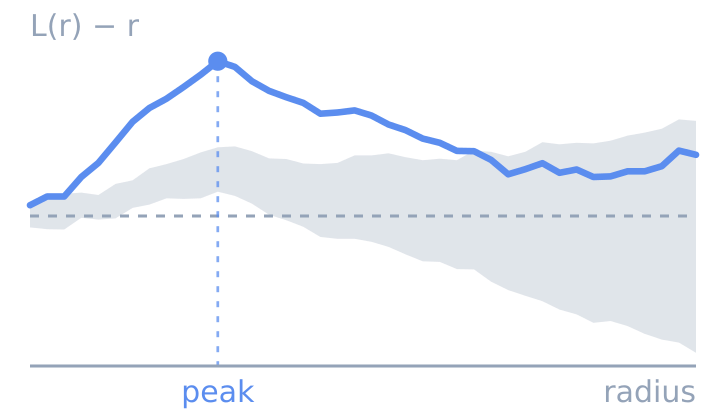
At what distance cell type B accumulates around cell type A.
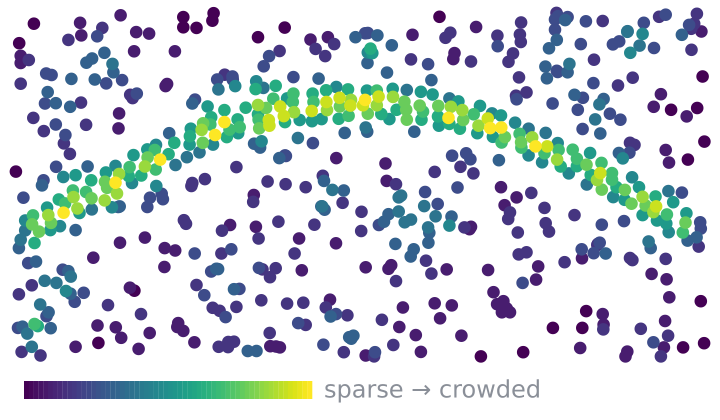
How crowded the tissue is around every cell.
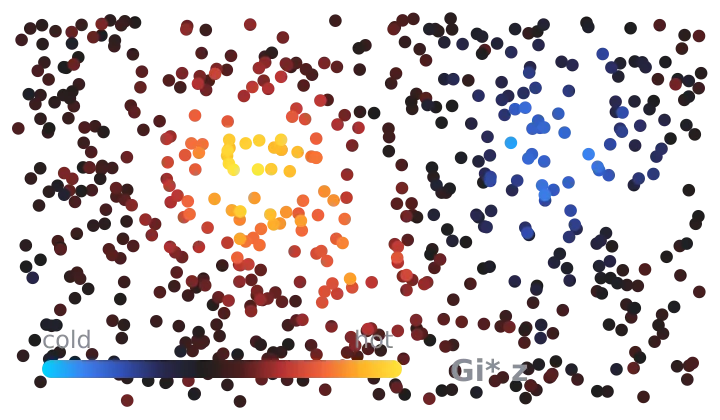
Where one gene forms clusters of high or low expression.
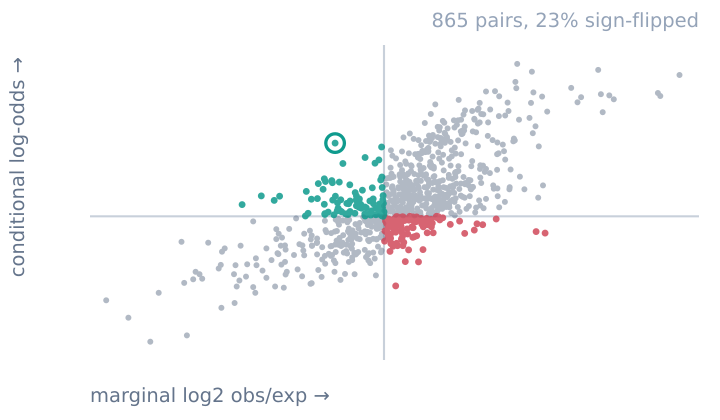
How much one extra neighbour of type B changes the odds a cell is type A, holding every other type’s neighbour count fixed.
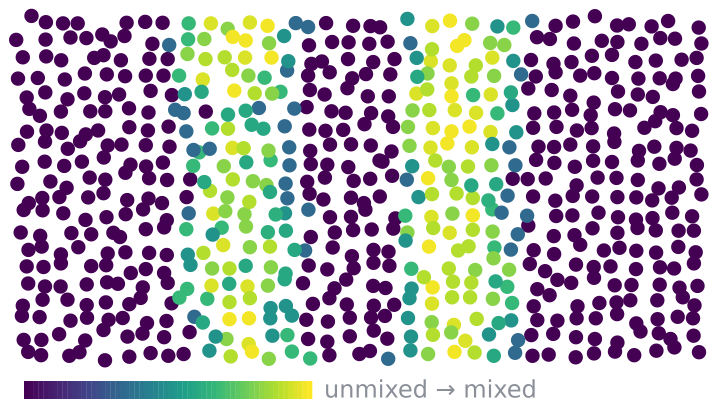
How mixed each cell’s neighbourhood is, and who sits next to whom.

Explore spatial contacts or shared membership between categorical annotations with count-weighted ribbons and enrichment colors.
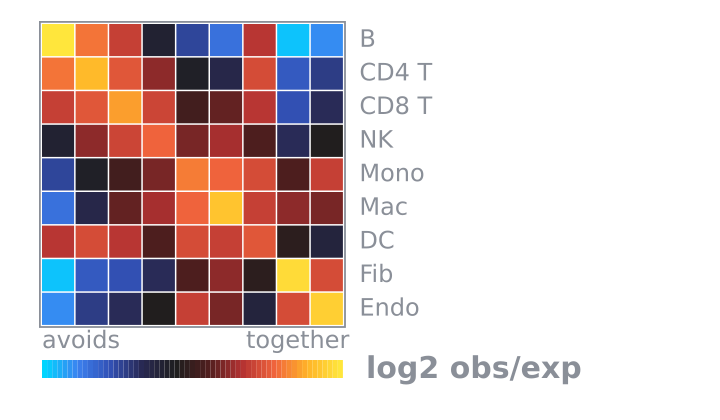
Which cell types are found near each other more often than expected by chance.
Try a broader search, or clear the tag filter.

An installed tool runs on your machine with the privileges of whoever started the viewer, like any script you download. The gates report what a tool reaches for; they cannot stop it. “Verified” means the listed version passed every required gate when it was published, not that its code is safe. In PointillViz, Browse Store shows each tool’s code before you install it: read it.