
Build & publish a tool
A tool is one Python file and a manifest. This page outlines the author’s loop; the full guide is in preparation.
What a tool is
tool.py defines run(ds, params); plugin.json declares its parameters, needs and outputs.
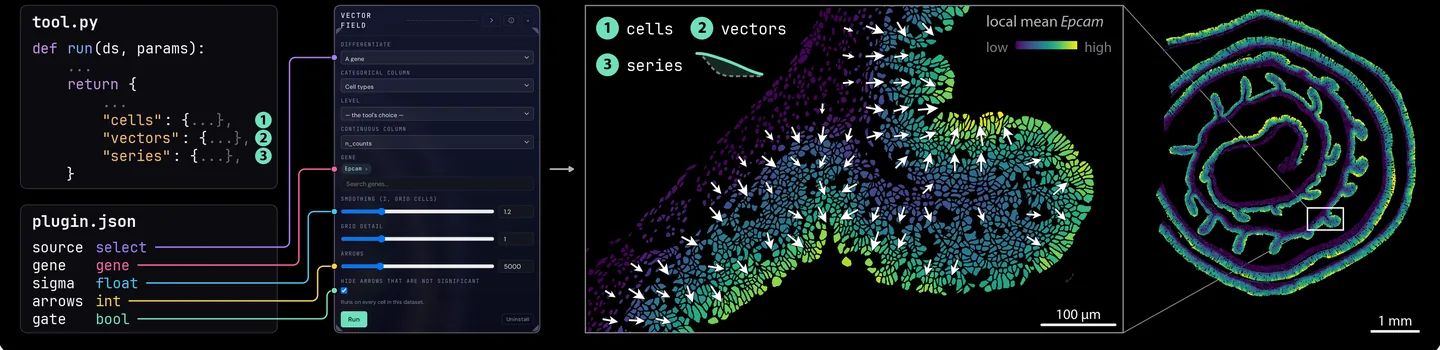
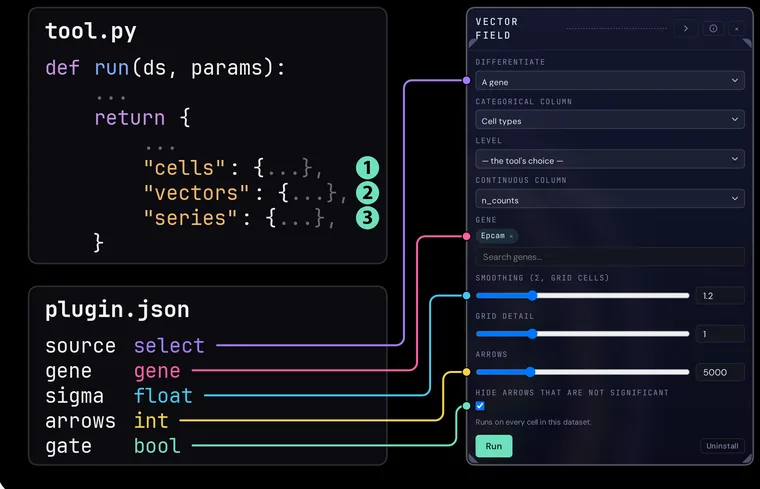
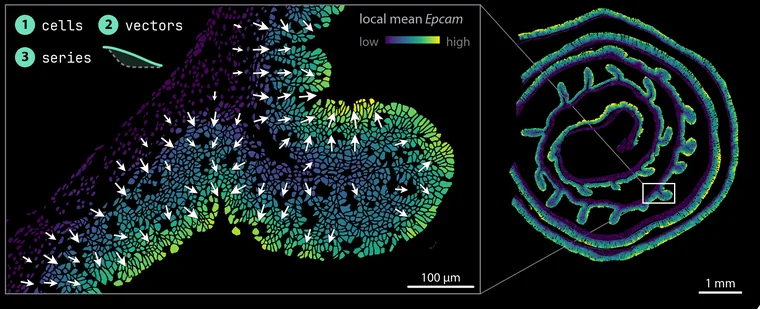
The author’s loop
plugin_scaffold plugin_validate plugin_pack publish
The gates run again on publish and again on install.
-
Start from the scaffold
plugin_scaffoldwrites a starter tool that already passes every gate. -
Write
run(ds, params)Read the dataset through
ds, and return the outputs the manifest declares. -
Declare the manifest
Each typed parameter becomes a control; requirements decide which datasets offer the tool.
-
Validate
plugin_validateruns the nine gates locally and names the one that failed.Nine gates
-
Pack
plugin_packwrites a single.pvtoolbundle. -
Publish Coming soon
The store runs the gates again and lists the tool only if every required gate passes.
Nine gates, again
-
Install
The viewer runs the gates once more before it installs.
Nine gates, once more
Write one with a coding agent
A guide written for coding agents carries the contract the gates check.
The nine gates
What each gate checks, in the order they run.
| # | Gate | What it checks |
|---|---|---|
| 1 | bundle | The archive’s layout, size and file types. |
| 2 | manifest | Every field of plugin.json, defaults included. |
| 3 | entry | tool.py imports and defines run(ds, params). |
| 4 | imports advisory | Reports network, subprocess, file-write, dynamic-code and environment use, with file and line. Advisory: it never blocks. |
| 5 | fixture | Runs on a synthetic dataset at its own defaults, within its time and memory limits. |
| 6 | result | Returns the declared outputs and no others, each with values to draw. |
| 7 | determinism | Two runs with the same parameters give the same result. |
| 8 | edge | Runs with every parameter at its minimum, then at its maximum, without crashing. |
| 9 | no_mutation | Writes nothing into the dataset. |
Safety
A tool is arbitrary Python; read the safety note before you install one.
Read the safety note